Visiion Lite vs. Advanced Mode: Which Trading Experience Fits You?
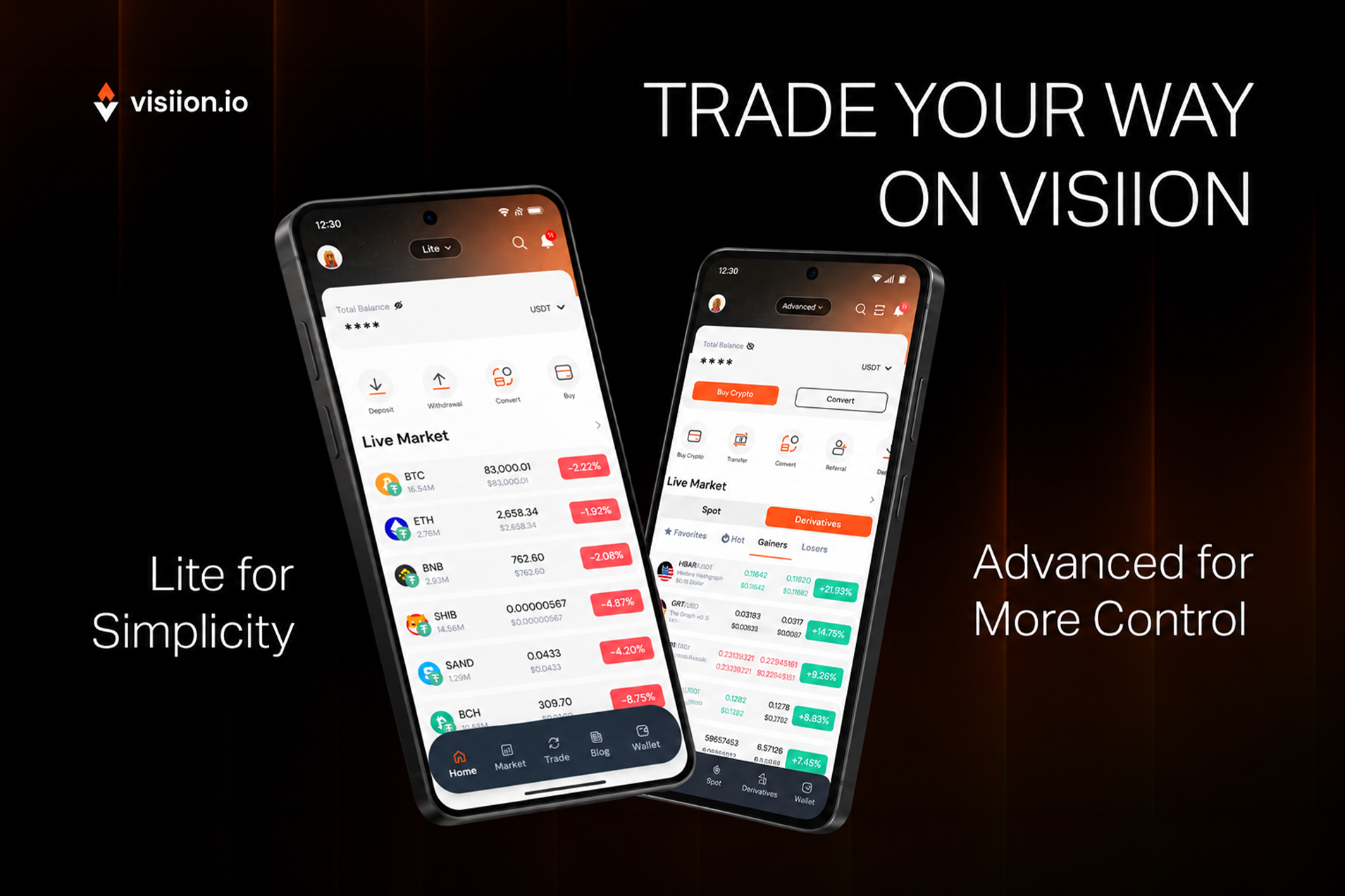
Visiion offers two trading interfaces: Lite Mode and Advanced Mode. Lite keeps common actions simple, while Advanced gives traders access to more market data and trading controls.
Lite Mode: Simple Access to Everyday Features
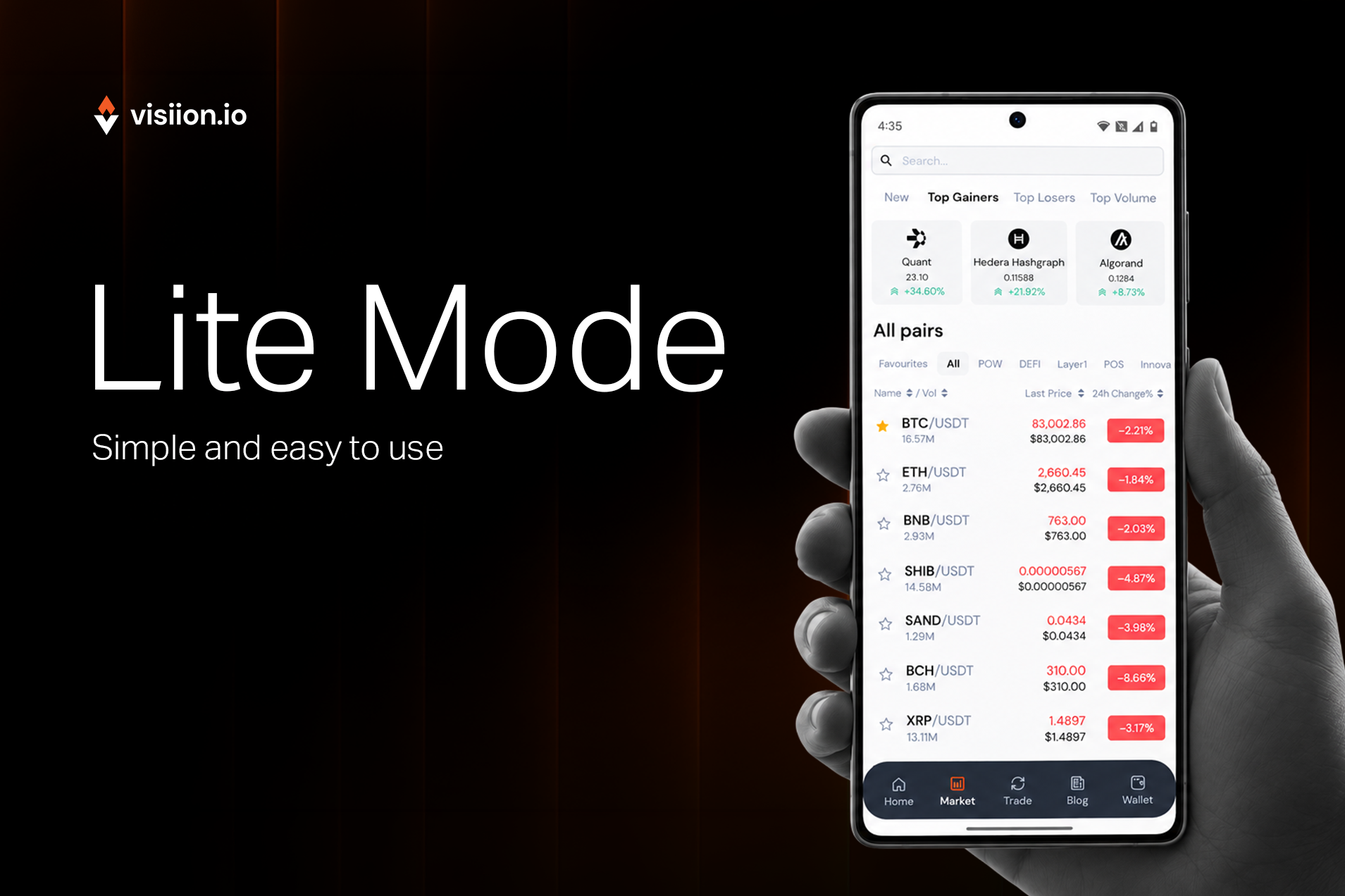
Lite Mode is designed for users who want a cleaner interface without having to work through a full trading dashboard.
From Lite Mode, you can buy crypto, convert assets, deposit funds, and check live market data. The simpler layout makes it easier to focus on the action you want to take without dealing with tools you may not need.
It’s useful for new traders or anyone who mainly wants to buy, convert, or manage crypto without advanced order controls.
Also Read: How To Read a Crypto Order Book
Advanced Mode: Trading Tools and Market Data
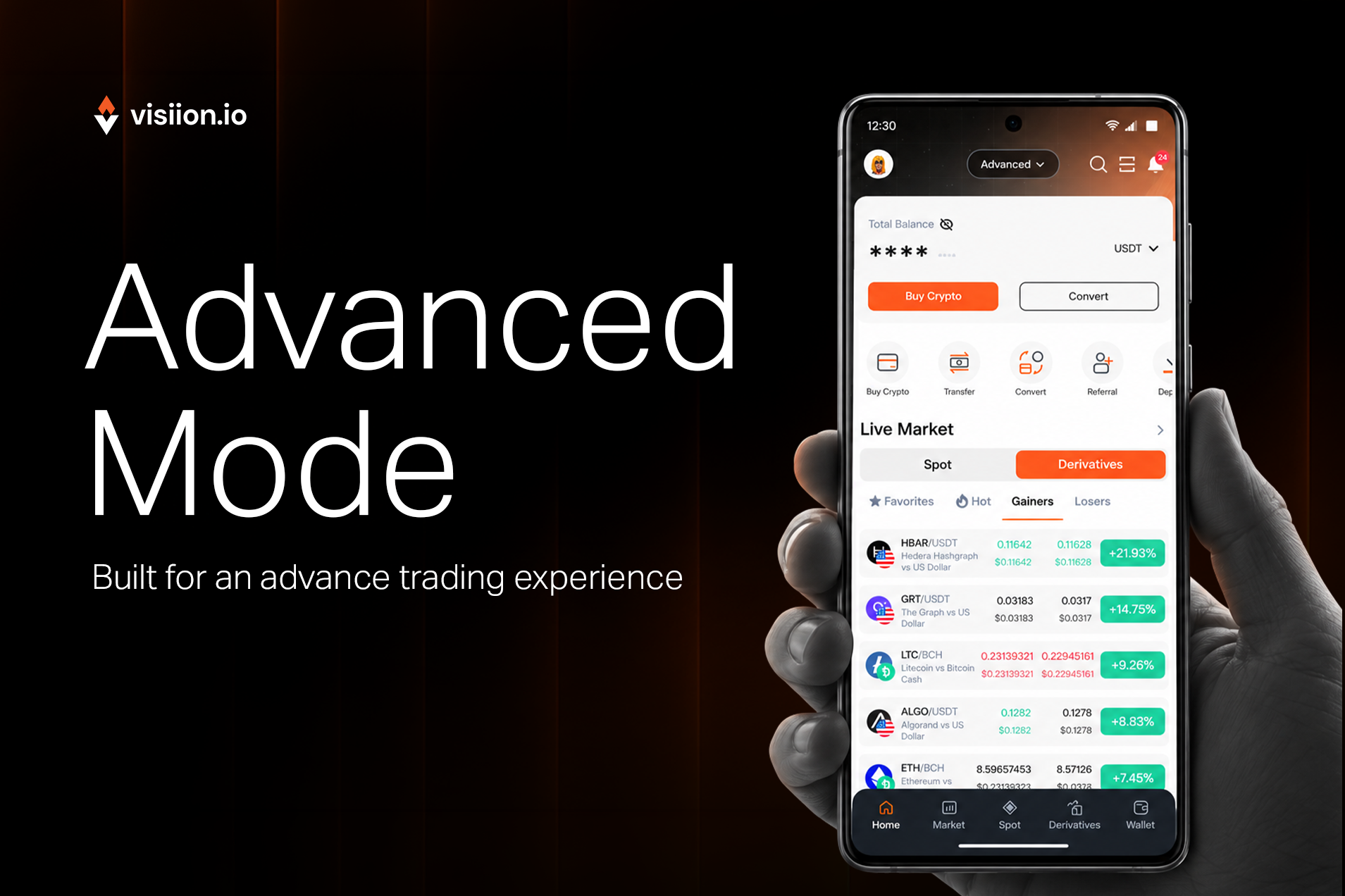
Advanced Mode gives you more control over how you place and manage trades. It includes Spot and Derivatives trading, the order book, TP/SL tools, a heatmap showing the top coins and their 24-hour performance, and more.
You can manage entries and exits with TP/SL tools, view order book data, and use leverage, all from a single dashboard.
Which Mode Should You Use?
Choose Lite Mode if you mainly want to buy crypto, convert assets, deposit funds, or check the market through a simpler interface.
Choose Advanced Mode if you need Spot or Derivatives trading, order-book data, TP/SL controls, leverage, or more market information while placing a trade.
You can switch between Lite and Advanced Mode as your trading needs change.